You’ve mopped the floor, left it to dry and stepped back to find streaks, cloudy patches or visible mop marks. Perhaps it looks clean initially, but soon seems grubby again. When regular cleaning delivers disappointing results, it is tempting to reach for more detergent.
With porcelain, however, the answer may lie in what you are using and how you are using it. A few changes can help break the cycle.
Why Does Porcelain Look Dirty After Cleaning?
An unsuitable detergent, or a cleaning solution mixed at too high a concentration, can leave residues on the surface. Adding an extra splash “for good measure” may feel like a more thorough approach, but a stronger mix is not necessarily a better one. Residues can build up over repeated washes, leaving an uneven film that holds onto dirt and makes the floor harder to maintain.
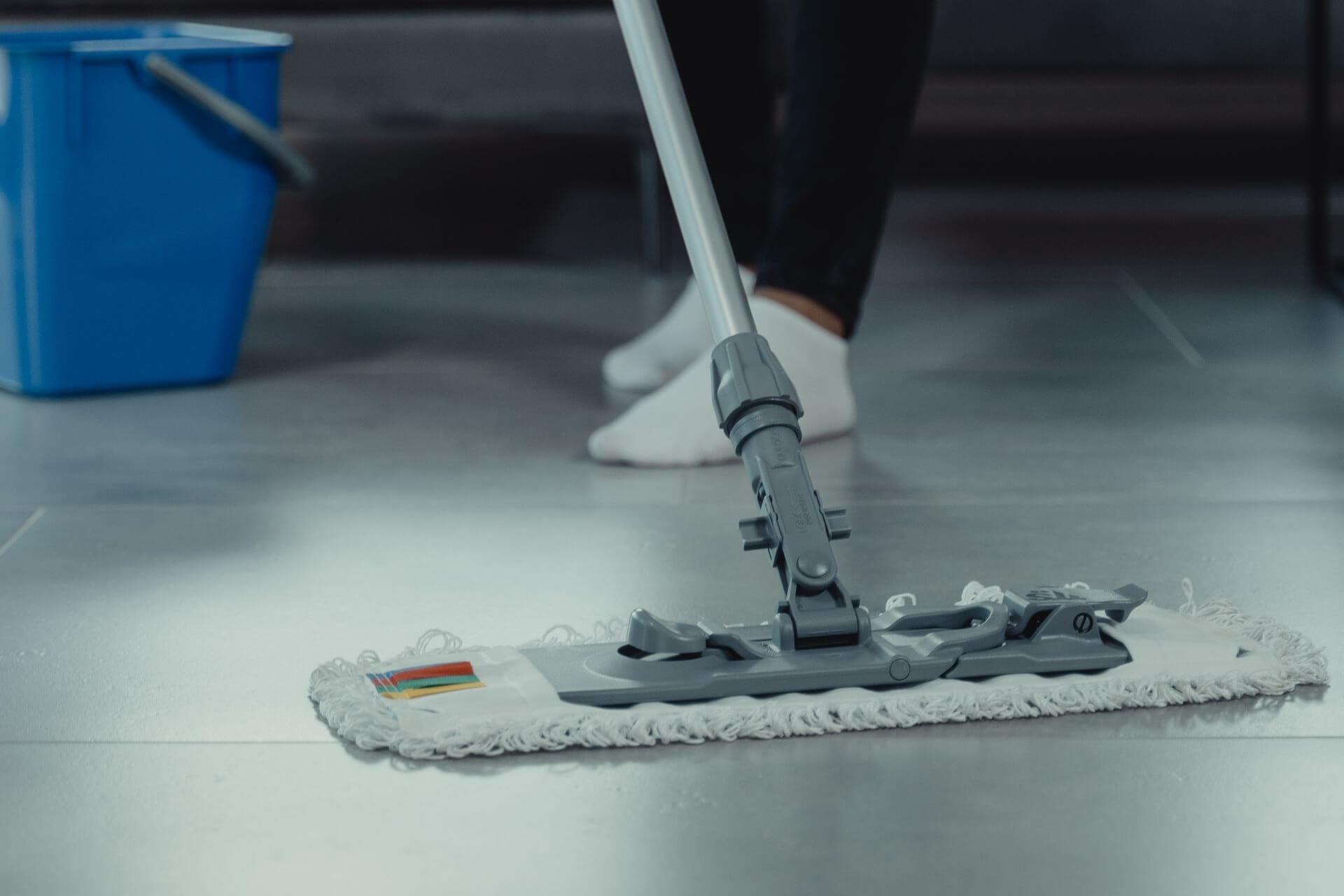
Cleaning equipment matters too. A dirty mop head or bucket of contaminated wash water can spread dirt back across the tiles. As the water dries, streaks and mop patterns may become visible.
These symptoms do not always have the same cause, so consider the floor’s cleaning history before choosing a treatment. A recently installed floor with grout residues, for example, needs a different assessment.
When Can PS87 PRO Help?
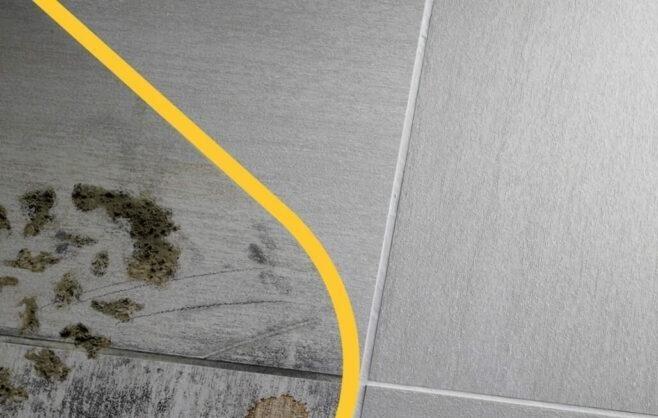
If streaks or rapid resoiling are caused by accumulated cleaning residues or greasy dirt, routine mopping may not be enough.
PS87 PRO is a concentrated degreasing cleaner that removes maintenance films and greasy deposits from porcelain, providing a deeper clean before you return to regular maintenance. It can also tackle stubborn marks, including scuffs from shoes, making it useful for busy kitchens, hallways and commercial spaces.
Its formula also works with water at low temperatures. The dilution depends on the task, with separate instructions for general cleaning, deeper cleaning and stubborn stain removal.
How to Deep Clean Porcelain Floors
Start by sweeping or vacuuming away loose dirt, and test the treatment on a small, inconspicuous area before proceeding.
For cleaning and degreasing, dilute PS87 PRO at 1:10–1:20 in water. Apply the solution and leave it to act for four to five minutes, then work over the surface with a suitable scrubbing brush. For larger areas, professionals can use a single-disc machine.
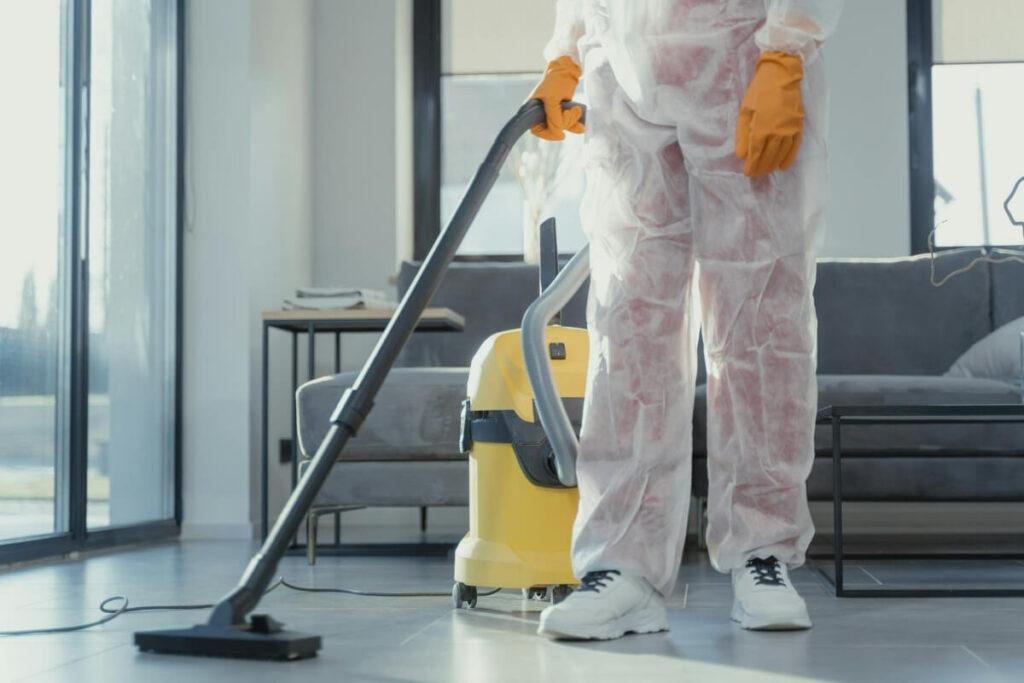
Collect the dirty solution with a cloth or wet vacuum, then rinse thoroughly with clean water. Removing the loosened dirt is an essential part of the process: leaving it on the floor risks another disappointing result once dry.
For deeper cleaning, use a 1:5 dilution. For stubborn stains on porcelain, the instructions differ: apply undiluted product to the stain and the entire tile, leave until fully dry, then wash and rinse.
Keep Streaks from Coming Back
Once the accumulated dirt and residues have been removed, review the weekly routine. Measure detergent according to its instructions and the volume of water in the bucket, rather than estimating by eye.
Use a clean mop head, change wash water as it becomes dirty and avoid carrying contaminated water between rooms. A suitable routine cleaner, such as CLEANER PRO, can support ongoing maintenance when used at the recommended dilution.
For homeowners, these habits make everyday care more manageable. For professionals, passing them on gives clients a practical way to maintain the finished floor.
If problems persist, contact our FILA technical team for further advice on identifying the residue and choosing the appropriate treatment.